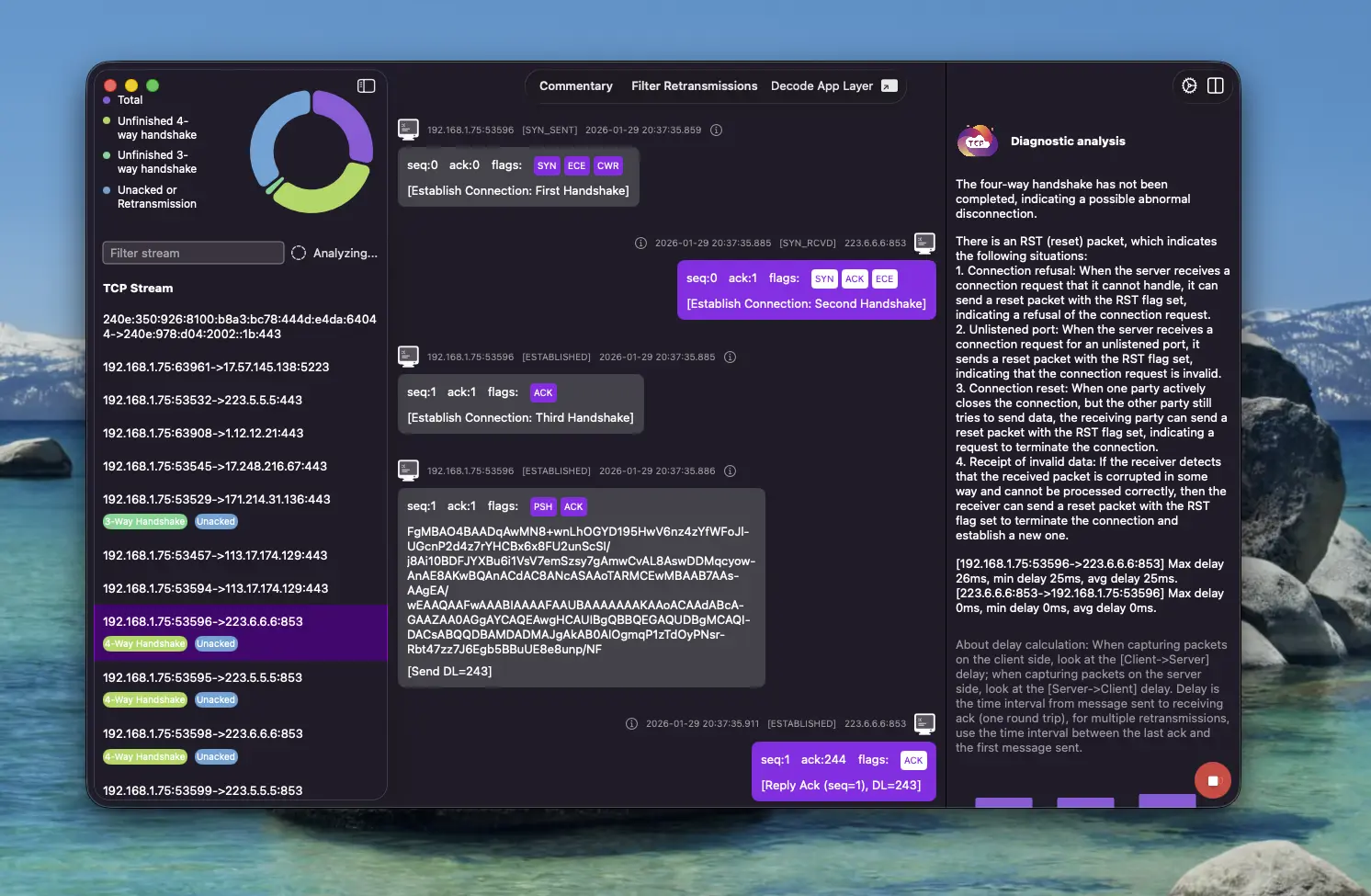
Remote Realtime Packet Capture & Analysis
To improve the efficiency of network troubleshooting, ChatTCP has introduced the remote realtime packet capture and analysis feature in version 5.2.
Simply install and start chattcp-capture on your server, then configure the server Host (http://ip:port) in the ChatTCP APP. Select the network interface, transport layer protocol, and other filter conditions to capture and view packets in real time. You can stop the capture at any time in the APP and start again without logging into the server to restart the capture process.
You can refer to the online tutorial: Remote Realtime Packet Capture & Analysis | ChatTCP
Difference between the APP and the online version: The ChatTCP APP on your computer communicates with the chattcp-capture process on your server. Your data remains completely private, and local network communication is supported. In addition, you can capture packets on your local machine by downloading and starting chattcp-capture on your computer.
The chattcp-capture source code is open source. You can clone the repository, build it yourself, and review the source code to ensure chattcp-capture is secure and trustworthy.
GitHub repository: ChatTCP Capture
You can download it on the server using curl. For Linux:
# Linux (amd64)
curl -L -o chattcp-capture https://github.com/chattcp/chattcp-capture/releases/latest/download/chattcp-capture-linux-amd64
After downloading, run:
# Grant execute permission to the binary
chmod +x chattcp-capture
# Run as root and specify the HTTP server port
sudo ./chattcp-capture -port 8080
Configure in the APP: 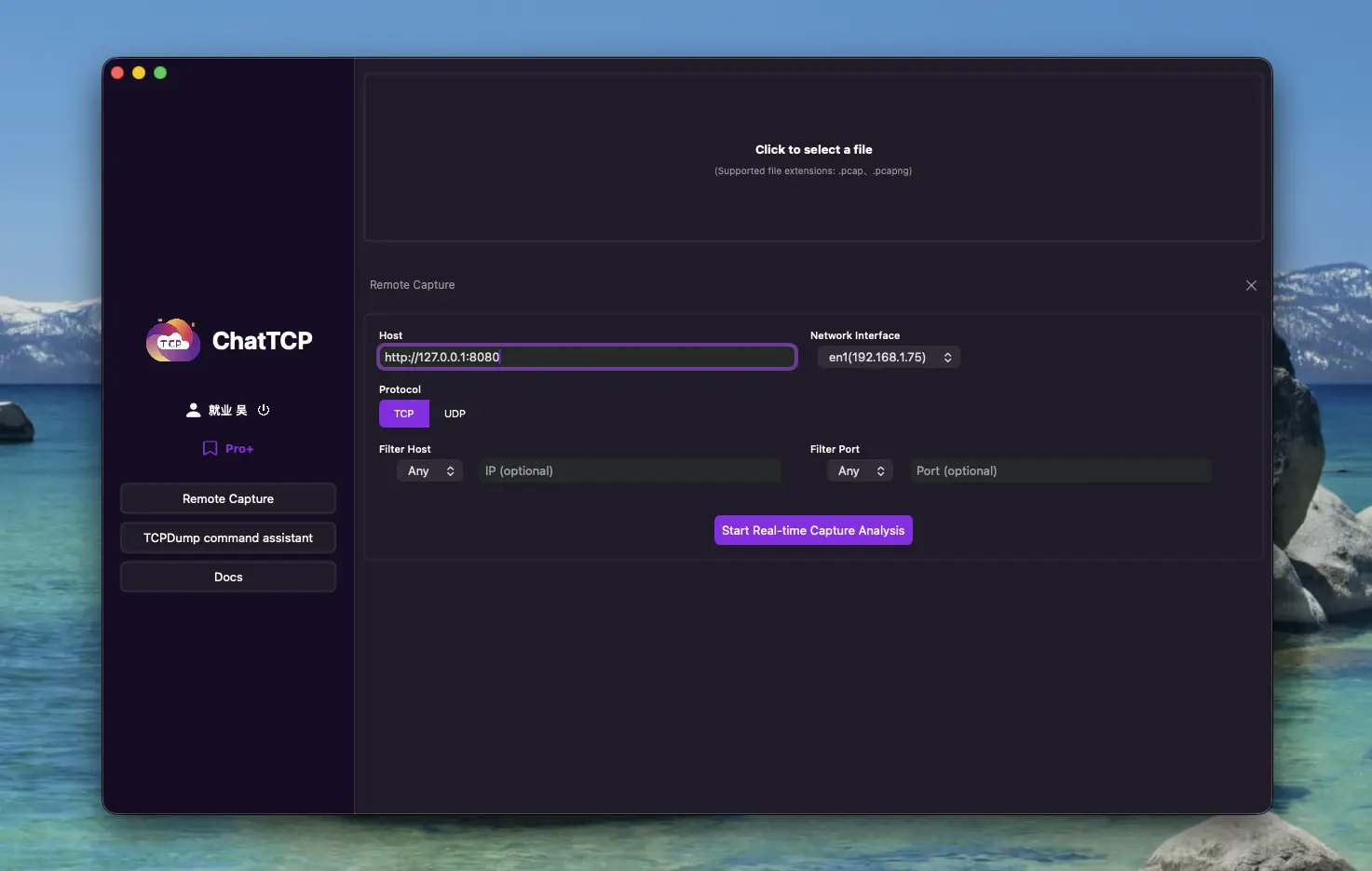
Click Start to view captured packets in real time. Click the Stop button at the bottom right to stop the capture.